Mech Neck Walker BGE
- November 04, 2018
- 457 Downloads
- 20 Likes
- Blender 2.7x
- Render: Blender Internal
- Creator: 3DHaupt
- License: CC-BY-NC
Description:
Here is my Mech Neck Walker design with an animation control menu for the Blender Game Engine.

There are three scenes.
1. Test_Ground scene:
 The scene where everything happens.
Contains the camera control and the grouped Mech_Neck scene.
The scene where everything happens.
Contains the camera control and the grouped Mech_Neck scene.
2. Mech_Neck scene:
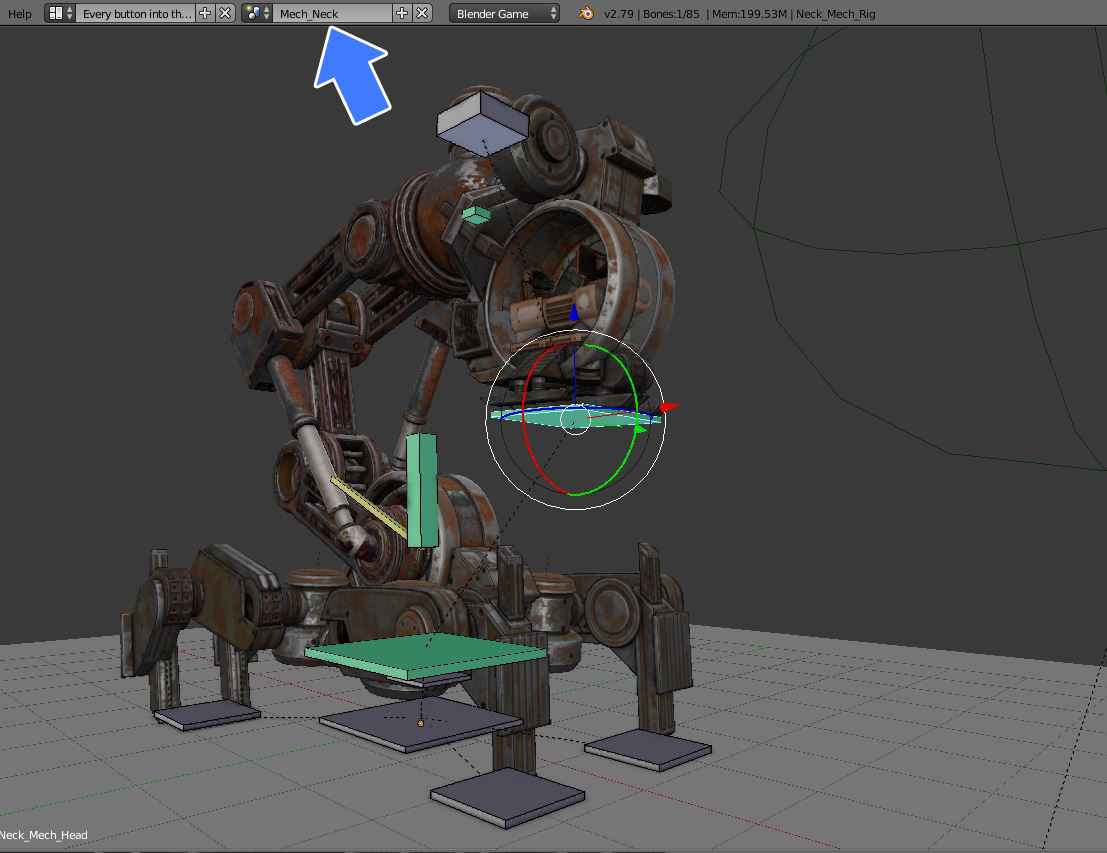 Contains my animated model for editing.
I made this scene because it is a very complex object with many parts and so I wanted to have it separate from the main scene.
Contains my animated model for editing.
I made this scene because it is a very complex object with many parts and so I wanted to have it separate from the main scene.
3. Animation_Menu scene:
 Overlay scene for the mouse input to change the animation and the animation speed.
Game Engine Controls:
-Left mouse button for changing the animation and the animationspeed into the menu.
-Hold right mouse button to rotate
-Mouse wheel up/down to zoom in/out
Press p-key into the 3d window to start it.
3D and animation preview on Sketchfab
Some animations:

Idel 1
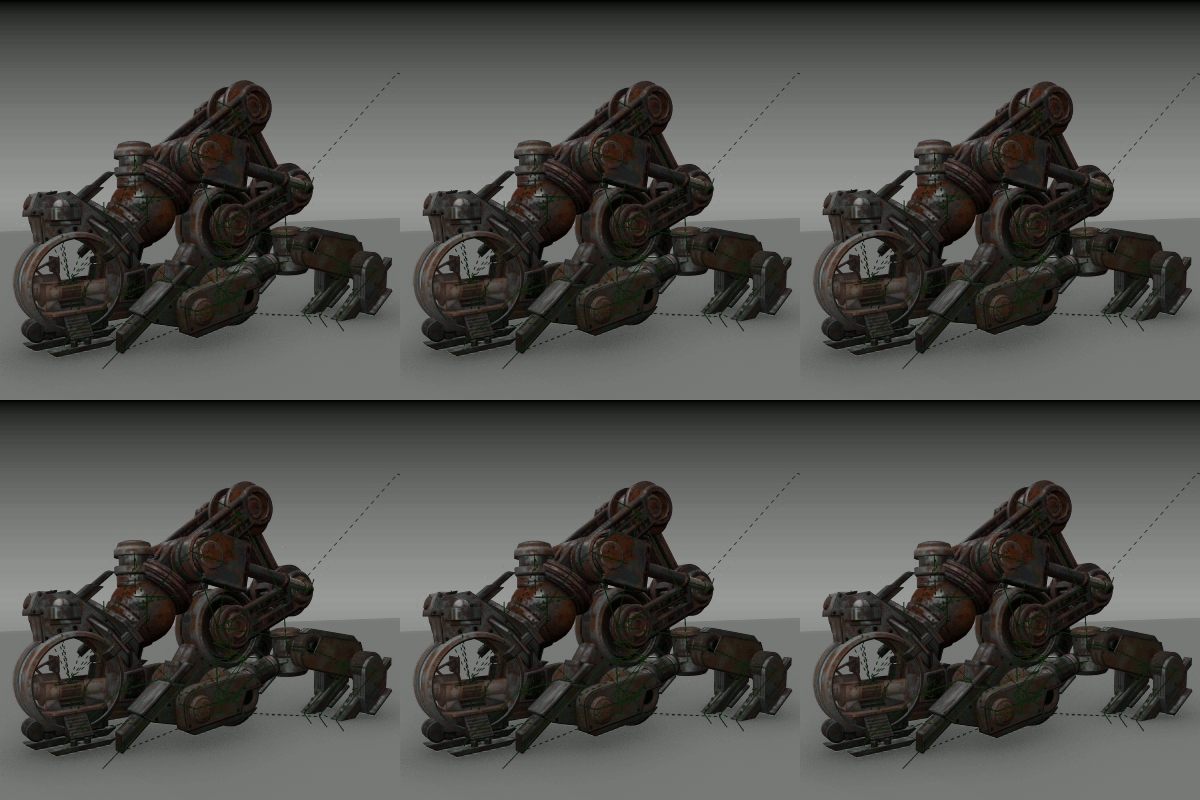
Idel 2
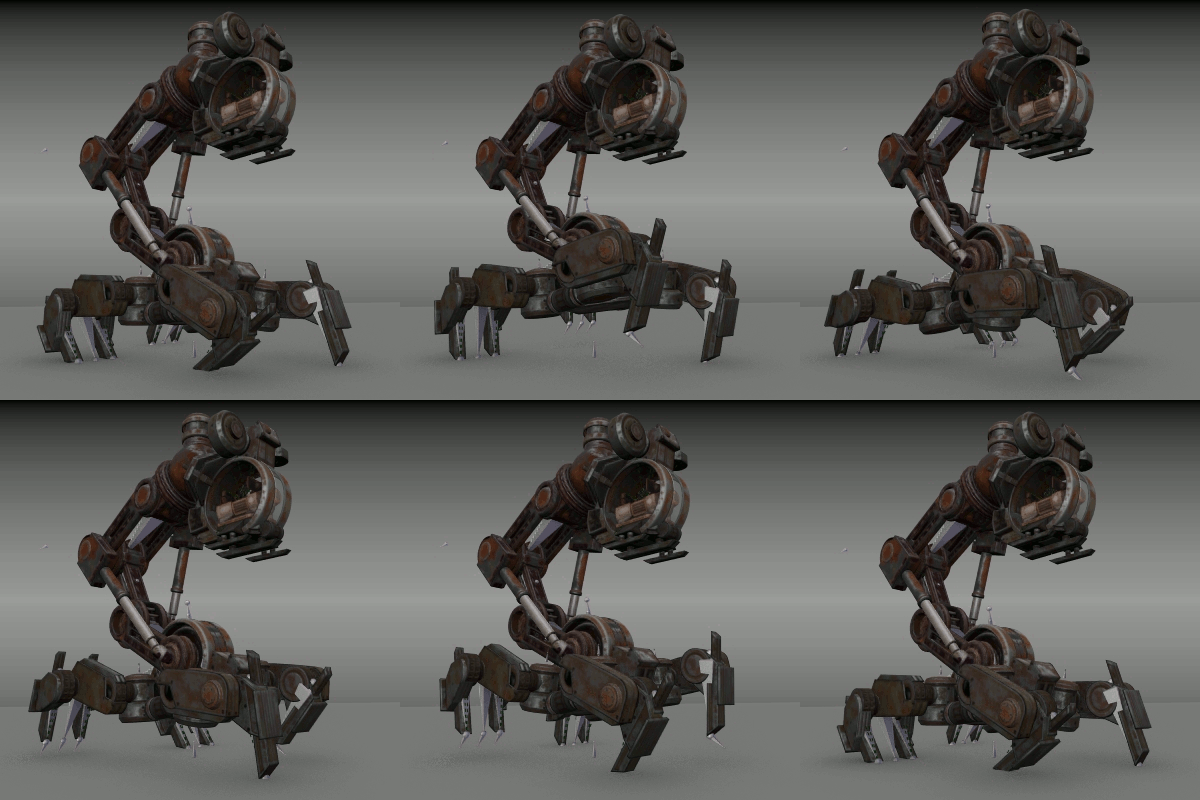
Walk Cycle
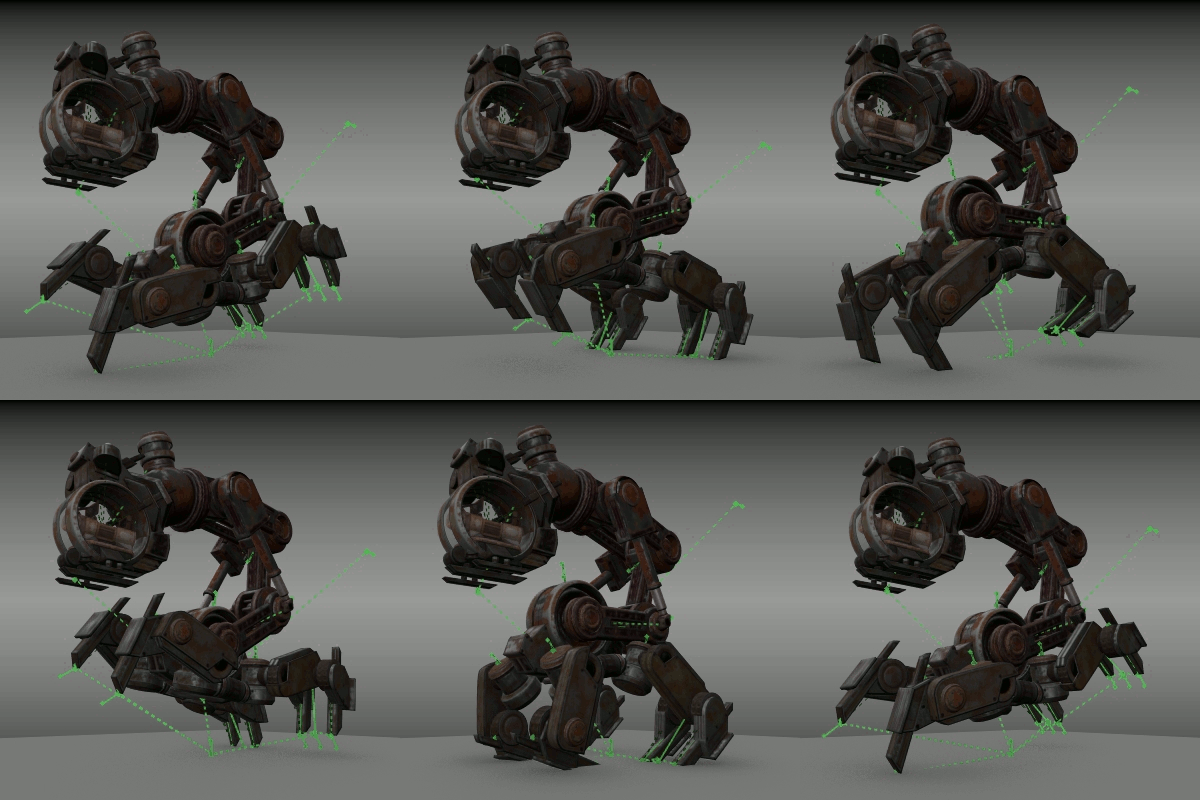
Run Cycle

Broken
Feel free to use this as a template for your own animated models :)
Comments:
-
3DHaupt
Edited November 07, 2018Thank you :) Feel free to use this for you own animated models! It is easy, just replace my model with your model and edit the Animation python script a bit. Export a Game Engine Runtime.exe to share your scene with others ;)
-
-
-
-
3DHaupt
Written December 04, 2018Thanks man :) Yes, this is sad. I think Blender will lose an awesome tool for real time visualizations and prototyping :( I will never stop using the BGE :) But I hope there will be something similar for Blender in future!
-
GuentherLaube
Edited January 09, 2019Wow... Thats really good! Like that, i want a Game with this Mech! xD
-
-
bvcxzasdf23
Written August 31, 2025This is a truly good site post. Not too many people would actually, the way you just did. I am really impressed that there is so much information about this subject that have been uncovered and you’ve done your best, with so much class. If wanted to know more about green smoke reviews, than by all means come in and check our stuff. Borneo river cruisesitus slot online
-
bvcxzasdf23
Written September 01, 2025What is an outstanding post! “I’ll be back” (to read more of your content). Thanks for the nudge! toro99exo123.store


Holy cow, what a beast of a model.! Thank you for sharing :D